How to Free Up Smartphone Storage: A Guide for WhatsApp Users in Chernihiv
WhatsApp can consume up to 10 GB of storage by automatically downloading media. Here is how to adjust settings and manage your device's memory effectively.
 💡Tech
Photo: UNIAN
Key points
- WhatsApp can automatically consume up to 10 GB of storage with media files.
- Android and iPhone users can disable auto-downloads in the settings menu.
- The messenger's built-in tool allows for quick deletion of the largest files.
For many residents of Chernihiv, the smartphone has become the primary tool for receiving safety news, staying in touch with relatives, and paying utility bills. However, the active use of messaging apps, particularly WhatsApp, often leads to the rapid depletion of device storage. This is especially critical for users with 64GB or 128GB devices, where every gigabyte is precious. The automatic downloading of photos and videos from numerous chats can quietly "consume" between 2 and 10 GB of free space, eventually blocking vital app updates or the ability to take an urgent photo.
How to Stop Auto-Downloads on Android and iPhone
The issue lies in the messenger's default settings, which save all incoming content to the phone's gallery by default. To take control on Android, users should follow these steps:
- Open messenger "Settings".
- Go to the "Storage and Data" section.
- In the "Media auto-download" block, disable all file types for both mobile data and Wi-Fi.
Following this, instead of automatic photos, you will only see blurred previews, allowing you to download only what is truly necessary. For iPhone owners, the procedure is slightly different. In WhatsApp settings, find the "Chats" section and deactivate the "Save to Camera Roll" toggle. This allows you to view media files directly within the conversation without cluttering the smartphone's main storage with duplicate images. This approach helps maintain order in your digital library and avoids the accumulation of unnecessary content.
Tools for Rapid Storage Cleanup
If your storage is already full, WhatsApp offers a built-in tool for a "deep clean." In the "Storage and Data" section, via "Manage Storage," you can see a detailed analysis of all files. The system automatically sorts the largest videos and images that have been forwarded multiple times. This allows you to delete gigabytes of "digital junk" in minutes, leaving only important documents and personal memories.
"Media files from messaging apps are one of the primary reasons for performance slowdowns in mid-range smartphones," technical experts note.
In addition to storage management, developers remind users of the option to protect private chats with a password. This provides an extra layer of security for residents of frontline regions, where data privacy in messengers remains a priority. Regularly checking your storage settings will ensure your smartphone operates stably even during the most critical moments.
Source UNIAN — unian.ua/techno/communications/yak-zvilniti-do-10-gb-na-smartfoni-p… ↗
Read next
 🇺🇦Ukraine
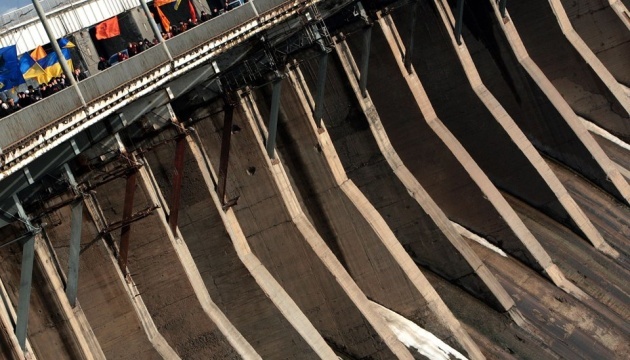
Russia attacks Zaporizhzhia with guided aerial bombs: traffic across DniproHES halted
Russian forces launched a series of guided aerial bomb strikes on Zaporizhzhia, resulting in injuries to a child and the suspension of traffic across major bridges.
 👥Society
Demographic Forecast for 2030: Changes in Ukraine's Population Structure
Demographer Oleksandr Hladun predicts a significant decline in population and a shift in Ukraine's age-gender structure if the war continues until 2030.
 👥Society
Divorce without losses: how to avoid common mistakes in property division
Experts identify eight critical mistakes that can lead to financial losses and prolonged conflicts during a divorce.
 🚌Transport
Drones strike military targets in Kaliningrad region for the first time
For the first time since the beginning of the full-scale invasion, a drone attack has been recorded in the Russian exclave of Kaliningrad.
 🛡️Security
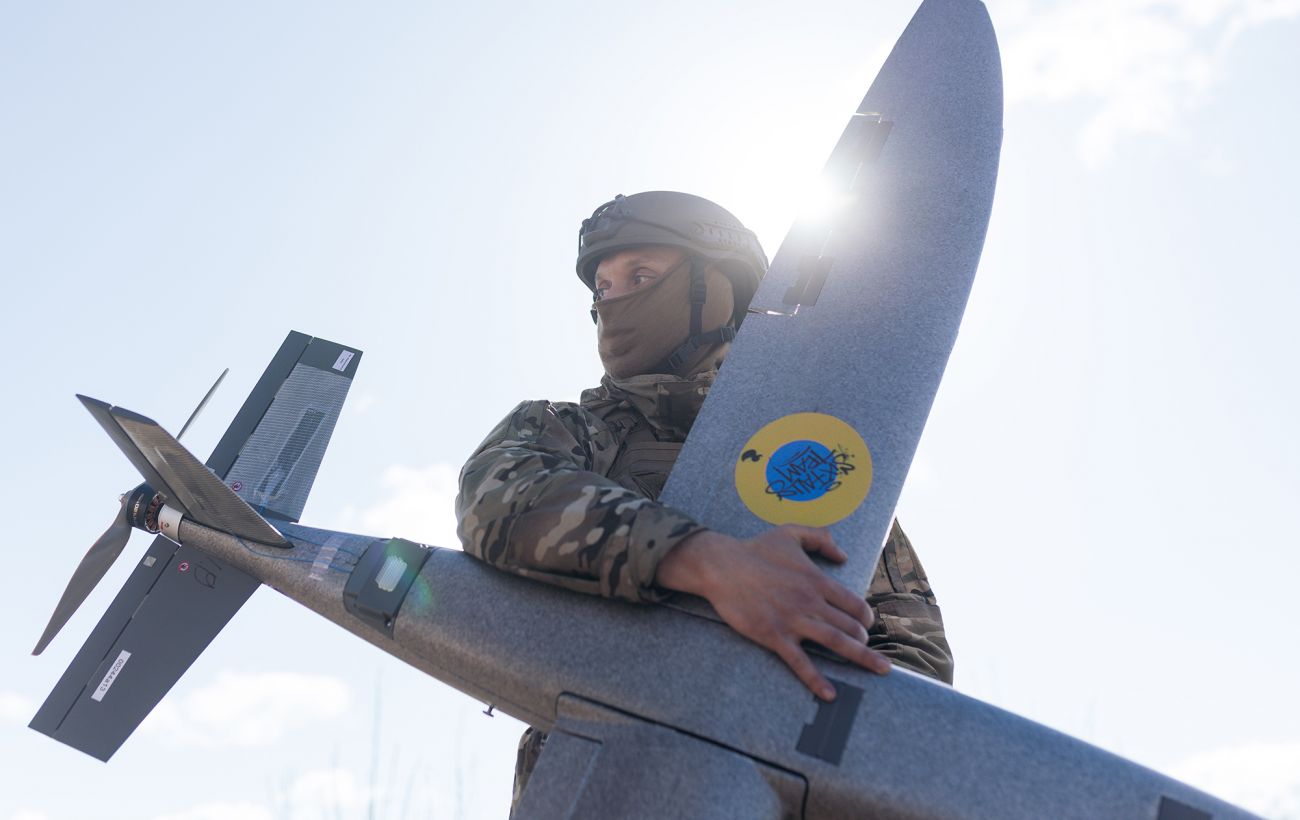
Explosions reported near Russian Baltic Fleet base in Baltiysk
Multiple explosions and drone activity were reported in Baltiysk, Kaliningrad region, near the Russian Baltic Fleet's naval infrastructure.
 🛡️Security
Russian Army Casualties Reach World War II Levels, US Ambassador Says
US Ambassador to the UN Mike Waltz stated that Russia's casualty rates on the front line exceed its ability to recruit new forces.