How to give your old PC a second life: a guide to installing ChromeOS Flex
Google offers a free alternative to Windows for outdated computers, allowing users to optimize devices for learning and web browsing.
 💡Tech
Photo: UNIAN
Key points
- ChromeOS Flex is a free OS for old PCs
- System focused on cloud services and browser
- Full data wipe during installation
- Suitable for education and office work
Optimizing outdated hardware
Many users face the problem where old laptops or desktops stop working correctly with modern versions of Windows. An optimal solution in such cases can be the ChromeOS Flex operating system from Google. This is a free platform designed specifically to breathe new life into devices that have become technically obsolete for demanding software.
The system is characterized by low hardware requirements and is focused on cloud services. It is ideal for users whose activities are primarily limited to browsing, watching videos, and working with online documents. It is important to note that ChromeOS Flex does not support classic Windows desktop applications, so it may not be suitable for specific professional tasks.
The transition process
- Creating a bootable USB drive via the Chrome Recovery Utility.
- Testing the system in preview mode without deleting data.
- Full installation, which involves wiping the storage drive.
Before starting the process, experts strongly recommend creating backups of all important files on external media. Installing ChromeOS Flex completely formats the disk, making it impossible to recover data after system initialization. For most modern users who prefer the Google ecosystem, this step will significantly extend the service life of their home equipment.
Source UNIAN — unian.ua/techno/software/chim-zaminiti-windows-11-google-vipustila-… ↗
Read next
 👥Society
Melamine Sponges for Cleaning: Safe Usage Rules at Home
We explain the features of popular melamine sponges for household cleaning and the safety rules for cleaning various surfaces.
 ⚽Sport
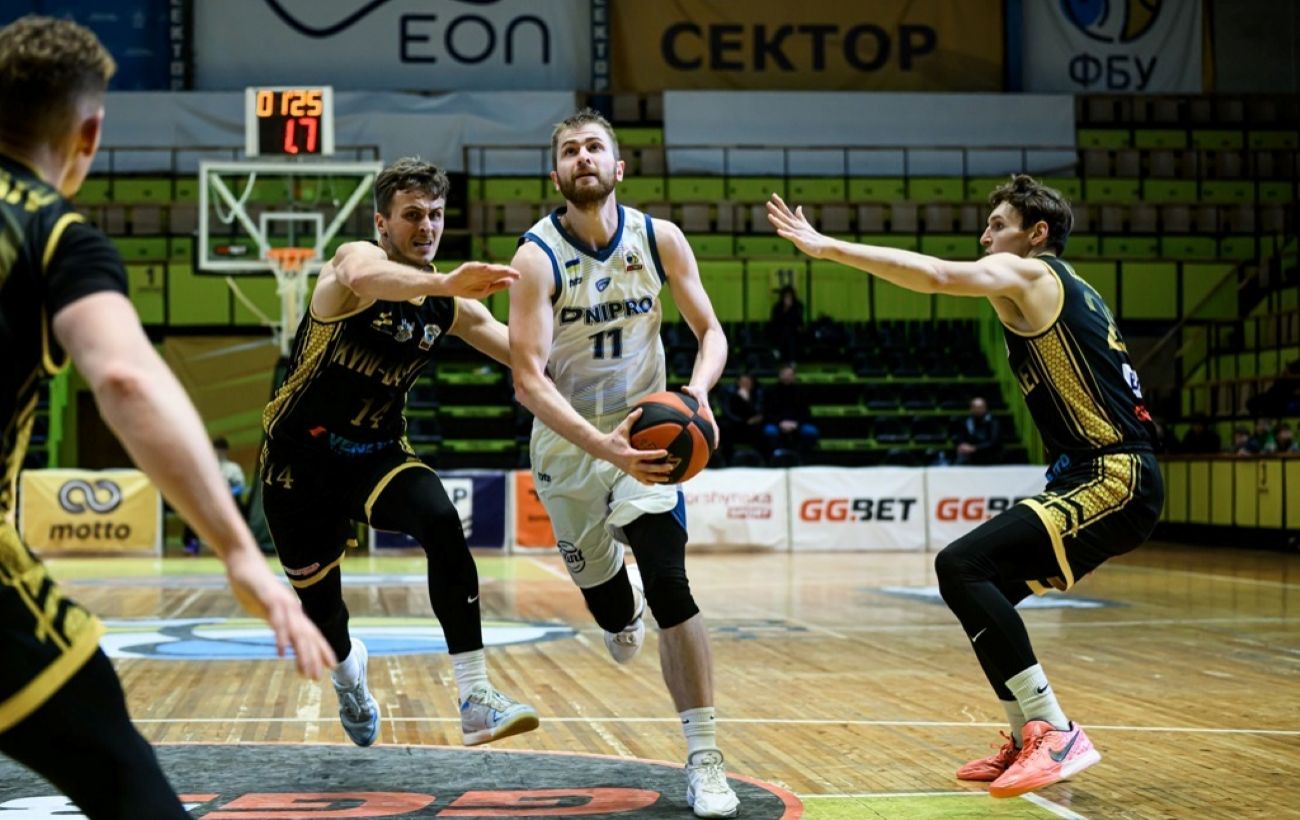
Dramatic overtimes and favorite wins: how the Basketball Superleague matches concluded
The latest matches of the Ukrainian Basketball Superleague regular season wrapped up with fierce battles, stunning comebacks, and key victories for top contenders.
 🇺🇦Ukraine
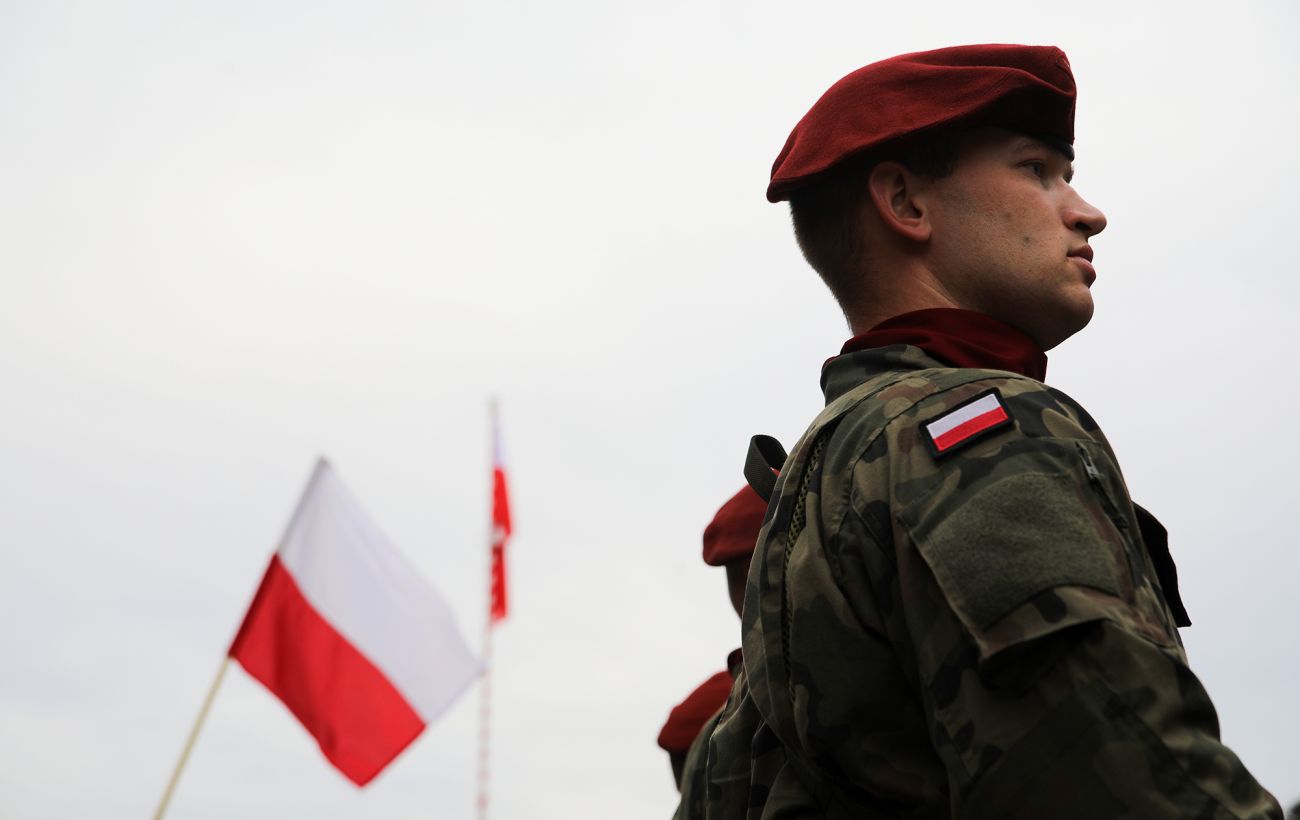
Poland Demands NATO Strengthen Air Defense Following Missile Incursion
The Polish Ministry of Defense insists on bolstering the air defense of the Alliance's eastern flank after Russian missiles breached Polish airspace.
 👥Society
Poland Reports Russian Disinformation Campaign Regarding Alleged Ukrainian Attack on Kaliningrad
Polish and Lithuanian officials urge citizens to ignore massive social media fake news campaigns orchestrated by Russia concerning alleged joint strikes on the Kaliningra…
 🏙️City
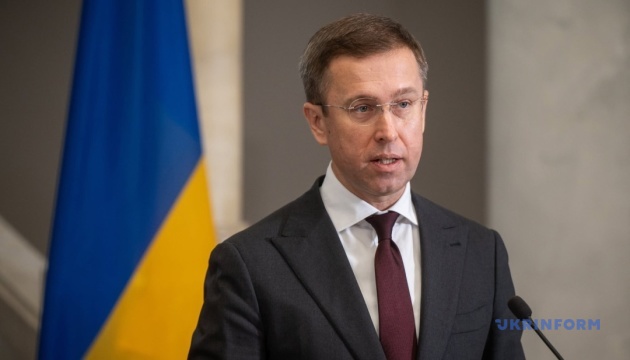
Government Launches Digital Platform for Critical Infrastructure Monitoring
Prime Minister Sergii Koretskyi announced the creation of a digital tool for real-time response to energy system failures and the involvement of military specialists in r…
 🏙️City
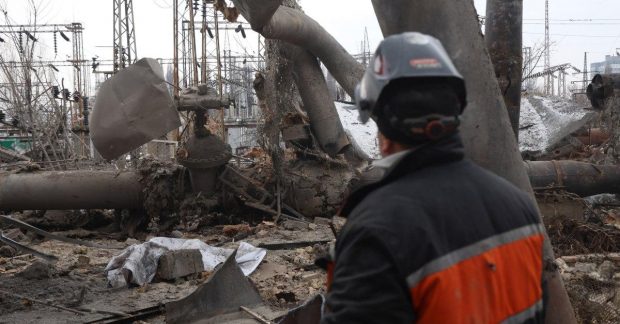
Military Specialists May Be Engaged in Energy Infrastructure Repairs
The government is considering involving military engineers and electricians in repairing damaged energy facilities to speed up restoration work.